The 30-second verdict
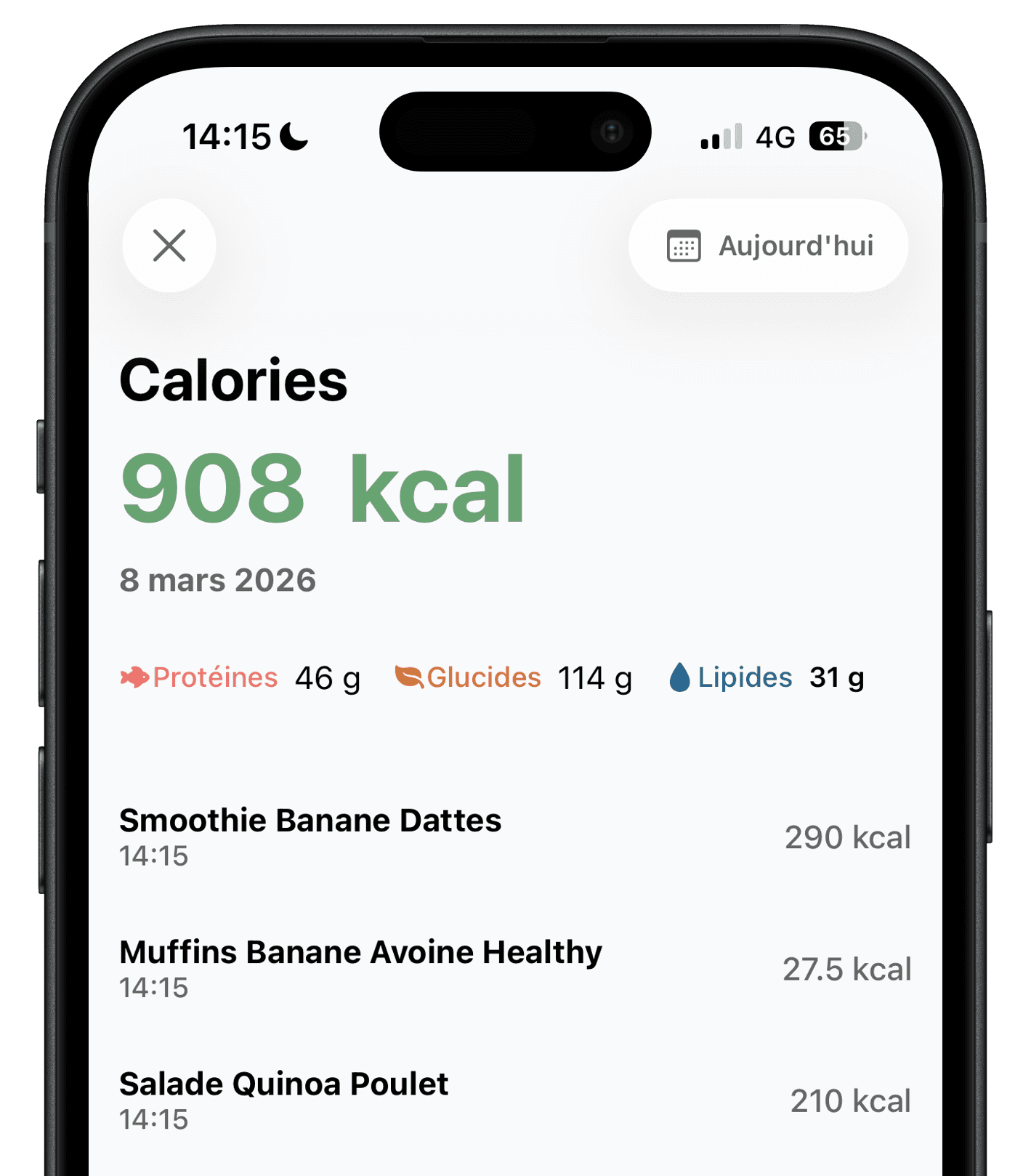
Ember is a better fit if you want to photograph or describe a meal, check calories and macros, then move on. Foodvisor is better suited to people looking for a broader nutrition program with recipes, lessons, advice, activity tracking and coaching tools.
The right choice mainly depends on how much guidance you want and which features you need on the free plan.
Ember vs Foodvisor: the key differences
This comparison is based on features publicly documented by both apps in July 2026.
Swipe the table horizontally to compare.
| Criteria | Ember | Foodvisor |
|---|---|---|
| Logging a meal | Photo, description or barcode | Photo, voice, search and barcode |
| Calories and macros | Yes, with daily totals | Yes, with a diary and reports |
| Micronutrients | Key nutrients and health score | Detailed vitamins and minerals with Premium |
| Nutrition program | Focused on meals and daily habits | Personalized program, lessons and advice |
| Recipes | Not central to the experience | Limited free selection, full catalog with Premium |
| Intermittent fasting | Timer, reminders and fasting periods | Tracking and advanced programs with Premium |
| Free access | Up to 2 AI analyses per day | Manual diary, barcode and limited recipes |
| Platforms | iOS and Android | iOS and Android |
Which app is right for you?
Choose Ember if
- You want to log a meal quickly with a photo or a sentence.
- You prefer an interface focused on your day instead of a full program.
- You want to test AI meal analysis for free.
- You want meals, macros, water, steps, weight and fasting in one clear view.
- You are looking for an ad-free app.
Choose Foodvisor if
- You want food tracking, recipes, lessons and nutrition advice in one app.
- A personalized program and detailed reports help motivate you.
- You enjoy community features, goals and gamification.
Two approaches to guidance
Both apps reduce manual entry, but they do not stop at the same point after analyzing a meal.
- Describe
- Ember accepts a free-form meal description. Foodvisor also supports text and voice input.
- Photograph
- Both apps analyze a photo. According to Foodvisor’s official help center, this feature is part of Premium.
- Scan
- Ember and Foodvisor both scan product barcodes. Foodvisor includes this on its free plan.
- Get guidance
- Foodvisor extends the diary with recipes, lessons, advice and a nutrition program.
Strengths and limitations of each app
Ember
Ember focuses on meal logging. A photo or description generates an estimate of calories, protein, carbs and fat. You can then correct foods, portions or preparation and return to a simple view of your day.
- Strength
- Fast conversational input and a lighter everyday experience.
- Good to know
- Ember does not offer the same catalog of recipes, lessons or nutrition programs as Foodvisor.
Foodvisor
Foodvisor combines a food diary with a broader set of services. The app supports photos, voice, search and barcodes, then adds recipes, lessons, advice, reports, activity tracking and fasting programs. A significant part of this guidance requires Premium.
- Strength
- A comprehensive environment for people who want guidance beyond calorie counting.
- Good to know
- The experience is denser, and official Foodvisor help states that photo meal analysis is not included in the free version.
Free plan
Ember includes up to two AI analyses per day on its free plan. Foodvisor provides manual entry, barcode scanning, goal tracking and a limited recipe selection for free. Photo analysis, lessons, advanced customization and the full recipe catalog require Premium. Prices and offers may change. Foodvisor prices and free version in detail.
Accuracy
A photo does not always reveal weight, cooking fat, sauces or every ingredient. Results from both apps should be treated as estimates and corrected when you know the portions. Seek advice from a healthcare professional for medical needs.
Frequently asked questions
Ember is a relevant alternative if you mainly want quick photo or description logging and a clear view of calories and macros. Foodvisor remains more comprehensive if you want recipes, lessons and a nutrition program in the same app.
Both apps have a free plan. Ember includes up to two AI analyses per day. Foodvisor’s free plan includes manual entry and barcode scanning, while its official help center reserves photo analysis and several coaching features for Premium.
Yes. Foodvisor can analyze a meal photo and provide a nutrition estimate. Its official help center lists this as a Premium feature.
No photo can perfectly determine weight, a recipe or hidden cooking fats. Accuracy depends on the meal and the corrections you make. It is more useful to compare how easily each app lets you review and edit results than to promise an absolute winner.
Yes. You can recreate your goal in Ember and start logging new meals. Save any information you want to keep first because history may not transfer automatically.
Try Ember with your next meal
The free version includes up to two AI analyses per day, with no credit card required.


Methodology and sources
This comparison is published by the Ember team, so we have a commercial interest in presenting our app. To limit this bias, Foodvisor’s features were checked against its official help center, its official App Store listing and its terms of use, accessed on July 30, 2026. Ember’s features come from the app and its official product page.
Foodvisor is a trademark of its respective owner. Ember is not affiliated with or endorsed by Foodvisor. Features and prices may change after the verification date.